
AI Advisers in Founder OS
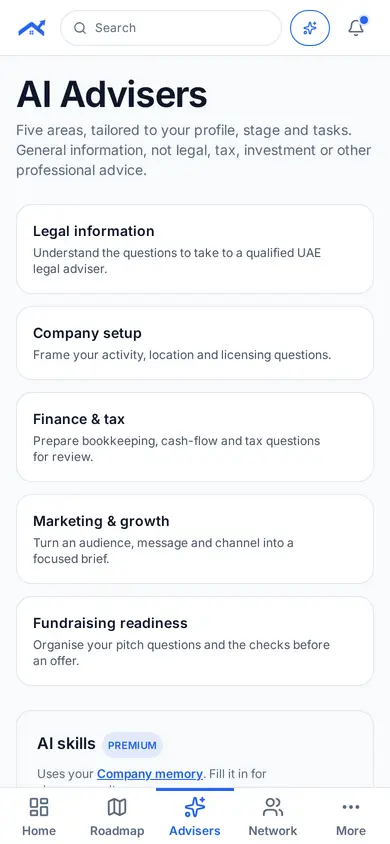
Five advice areas, tailored to your profile, stage and tasks.
Step 1: Open Advisers
Tap Advisers in the bottom bar. You see the five areas, for example legal information and company setup.
Step 2: Ask your question
Pick an area and type your question. The adviser uses your profile to tailor its answer.
Tips
- General information, not legal, tax, investment or other professional advice.
Related guides
Screenshots use demo accounts and fictional sample data; personal details are blurred. Screens may change as we improve Startup Roof.