
Documents
Files you and your team upload from roadmap tasks, private to your workspace.
Step 1: Open Documents
Tap More in the bottom bar, then Documents under My business.
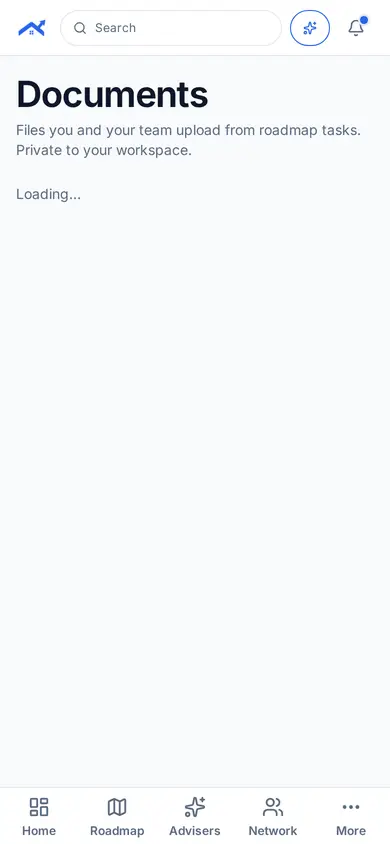
Step 2: Upload from a task
Attach a file to a roadmap task and it appears here.
Related guides
Screenshots use demo accounts and fictional sample data; personal details are blurred. Screens may change as we improve Startup Roof.