
Radar in Founder OS
Live founder news, programmes and events. New items since your last visit are marked.
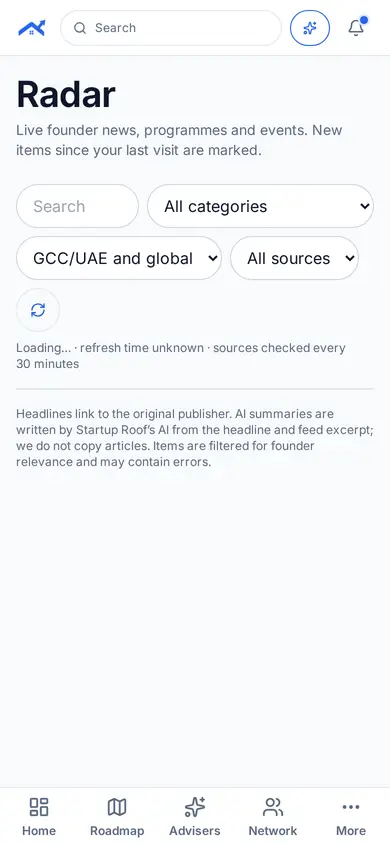
Step 1: Open Radar
Tap More in the bottom bar, then Radar under Funding.
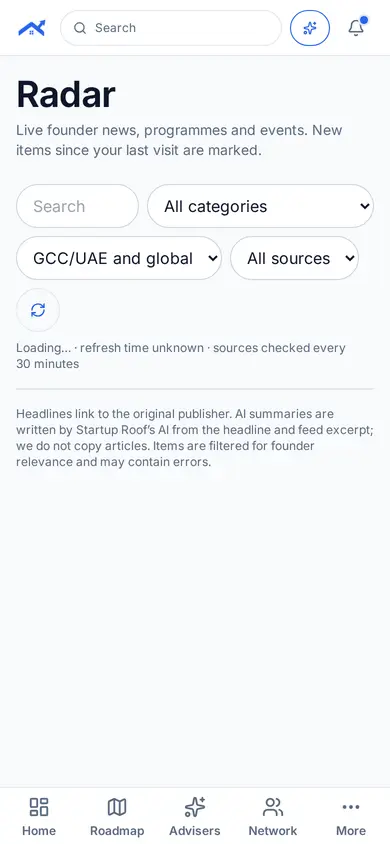
Step 2: Filter by category and region
Choose a category such as Funding or Events, and a region.
Related guides
Screenshots use demo accounts and fictional sample data; personal details are blurred. Screens may change as we improve Startup Roof.