
Service Desk
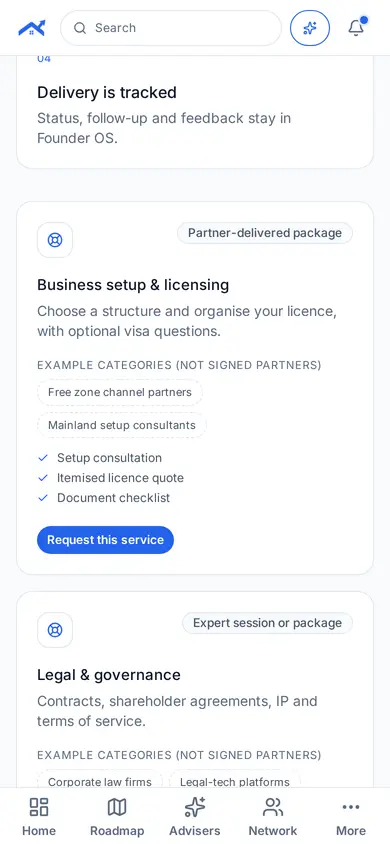
Request a scoped service. We match a specialist, show terms first and track delivery.
Step 1: Open Service Desk
Tap More in the bottom bar, then Service Desk under Help.
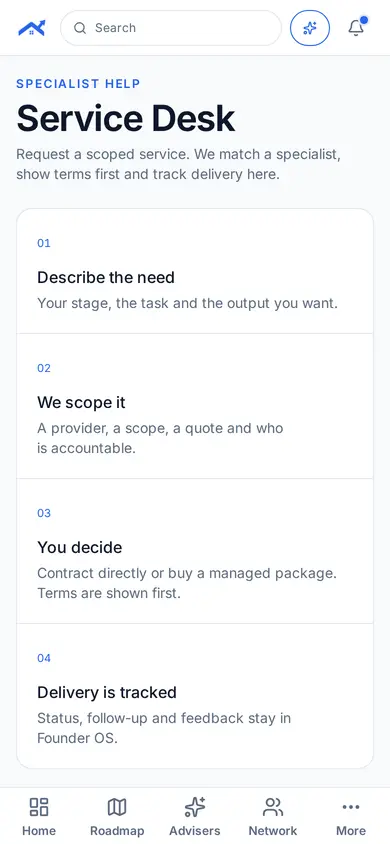
Step 2: Describe what you need
Describe your stage, the task and the output you want. You see the scope and terms before anything starts.
Related guides
Screenshots use demo accounts and fictional sample data; personal details are blurred. Screens may change as we improve Startup Roof.