
Next actions (tasks)
Today, this week and your 90-day plan, organised by venture stage.
Step 1: Open Next actions
Tap More in the bottom bar, then Next actions under Plan.
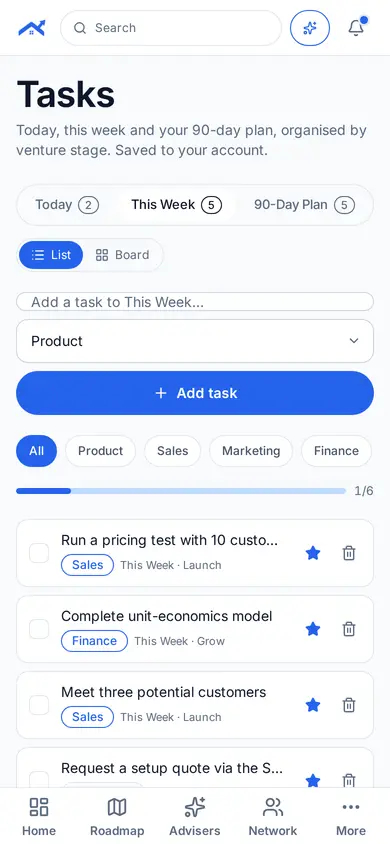
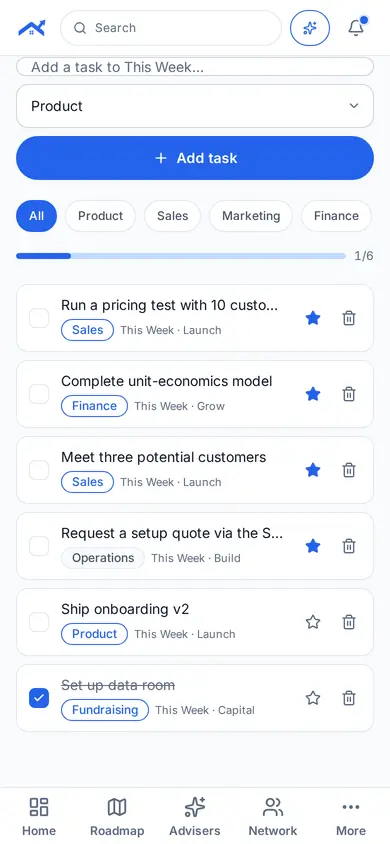
Step 2: Add and organise tasks
Tap New task, choose a category and switch between List and Board views.
Related guides
Screenshots use demo accounts and fictional sample data; personal details are blurred. Screens may change as we improve Startup Roof.