
Explore the 3D campus
A 3D view of the campus you can explore in your browser.
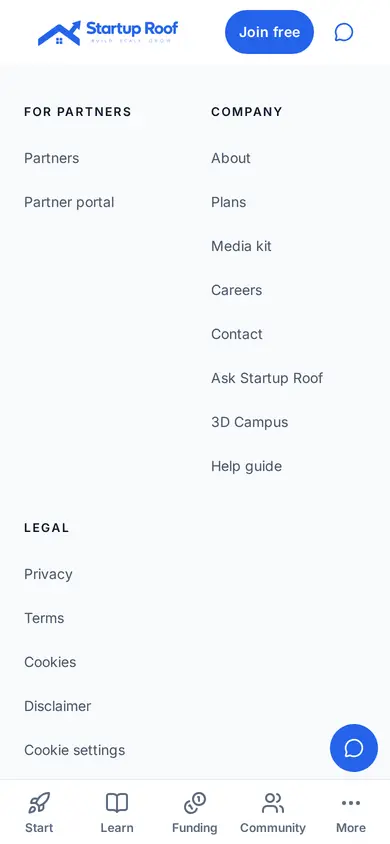
Step 1: Open More, then 3D Campus
Tap More and find 3D Campus under Company. It opens in a new tab.
Step 2: Look around
Drag to look around and tap to move. It works best on wifi.
Related guides
Screenshots use demo accounts and fictional sample data; personal details are blurred. Screens may change as we improve Startup Roof.