
Link your account on WhatsApp
Link your Startup Roof account with an email code so the assistant can help with your own details.
WhatsApp screens are illustrative examples with demo data. Message us on WhatsApp at +1 (647) 559-9949.
Step 1: Reply with your email
After you pick a role, reply with the email you signed up with, or “skip” to carry on without linking.
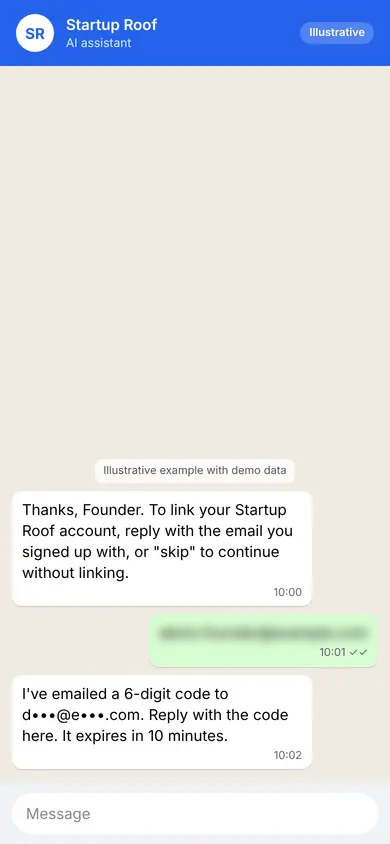
Illustrative Step 2: Enter the code
We email you a 6-digit code. Reply with it in the chat. Codes expire after a short time.
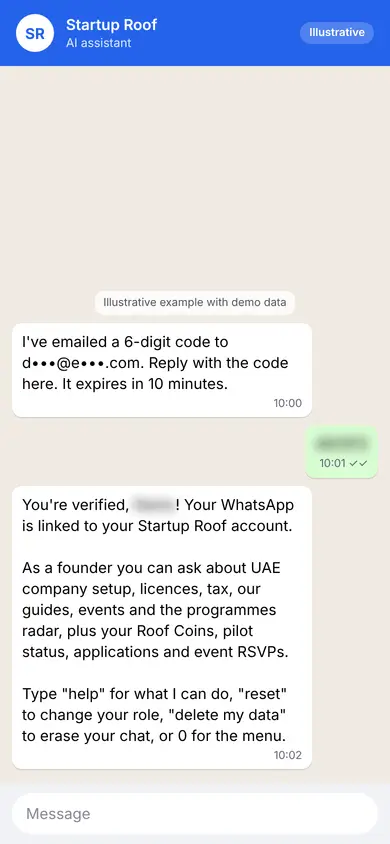
Illustrative Step 3: You are linked
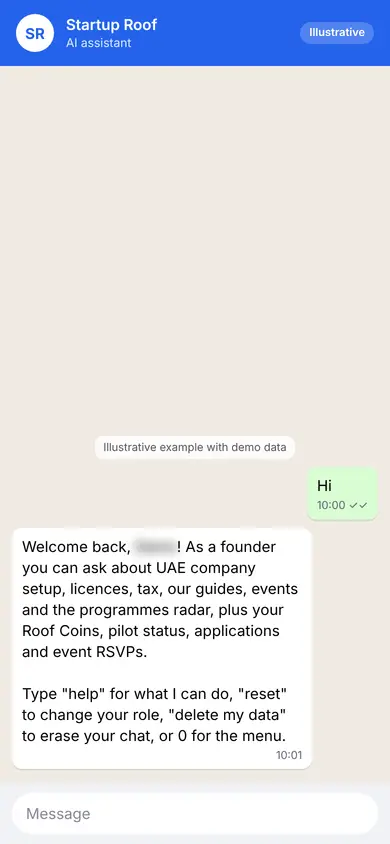
The assistant can now help with your own account, for example your applications and event RSVPs.
Illustrative
Tips
- Never share your code with anyone.
- Type “link” later if you skipped.
Related guides
Screenshots use demo accounts and fictional sample data; personal details are blurred. Screens may change as we improve Startup Roof.