
Notifications
Meetings, matches, deadlines and announcements in one place.
Step 1: Open Notifications
Tap the bell at the top, or More, then Notifications.
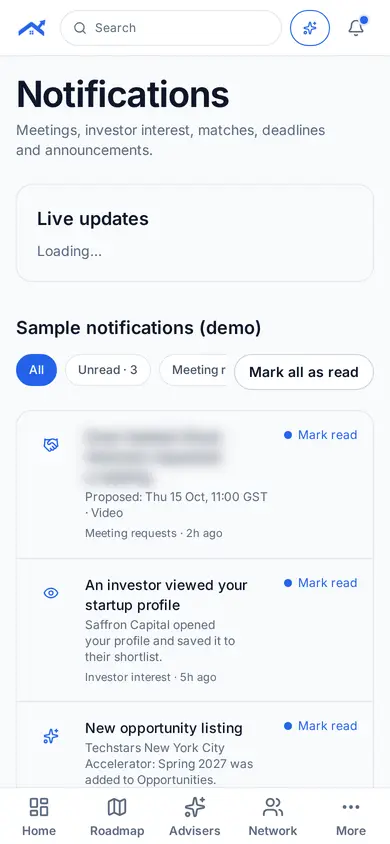
Step 2: Filter what you see
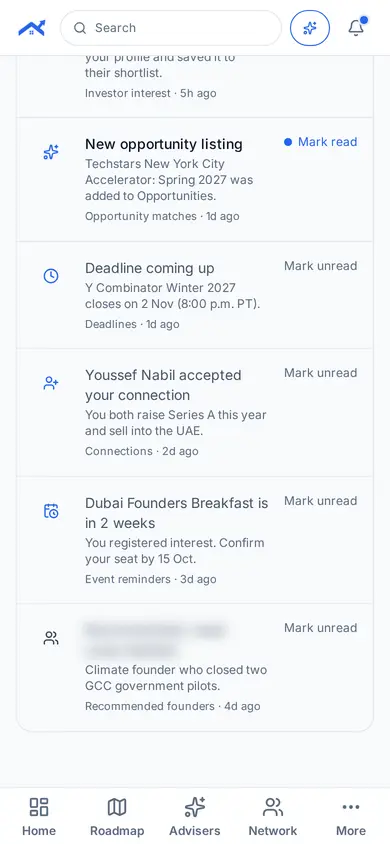
Use the filters, such as Unread or Deadlines, to focus.
Related guides
Screenshots use demo accounts and fictional sample data; personal details are blurred. Screens may change as we improve Startup Roof.