
Settings and your account
Account, notifications, privacy and your data.
Step 1: Open Settings
Tap More in the bottom bar, then Settings under Account.
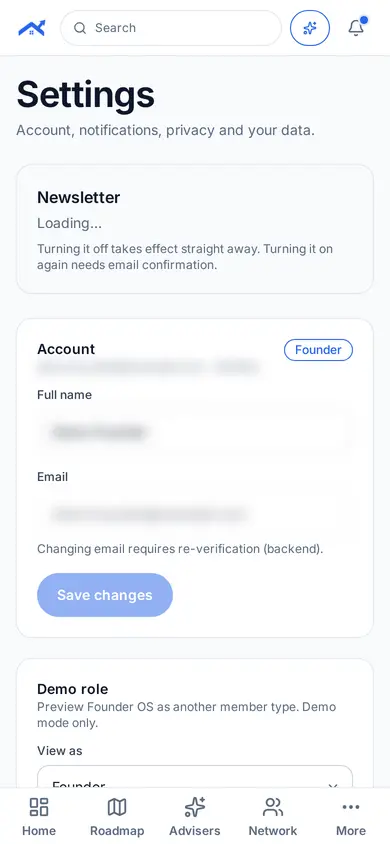
Step 2: Change what you need
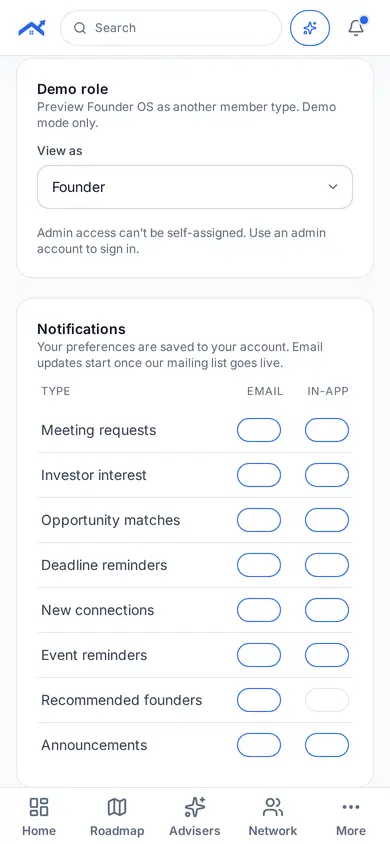
Update your name and email, newsletter and notification choices, and privacy settings.
Related guides
Screenshots use demo accounts and fictional sample data; personal details are blurred. Screens may change as we improve Startup Roof.