
Company profile
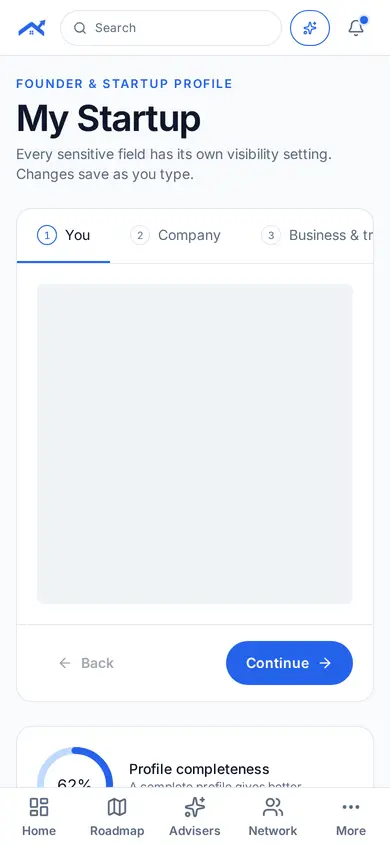
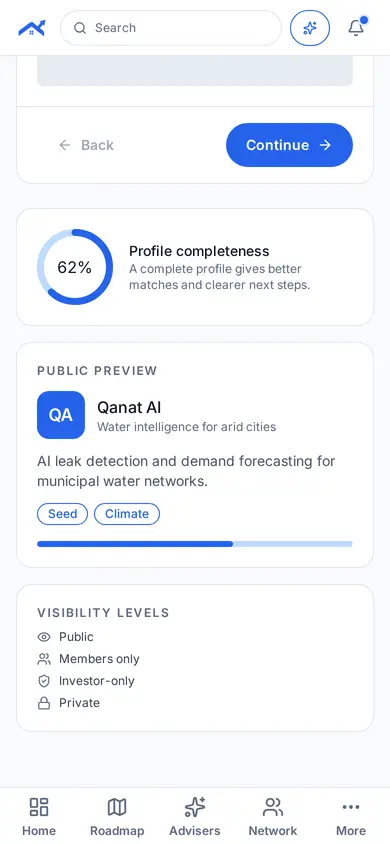
Your founder and startup profile. Every sensitive field has its own visibility setting.
Step 1: Open Company profile
Tap More in the bottom bar, then Company profile under My business.
Step 2: Fill in each step
Work through You, Company, Business & traction and Fundraising. Changes save as you type.
Related guides
Screenshots use demo accounts and fictional sample data; personal details are blurred. Screens may change as we improve Startup Roof.