
Public profile
Your founder page on startuproof.com. Private unless you switch it on.
Step 1: Open Public profile
Tap More in the bottom bar, then Public profile under Funding.
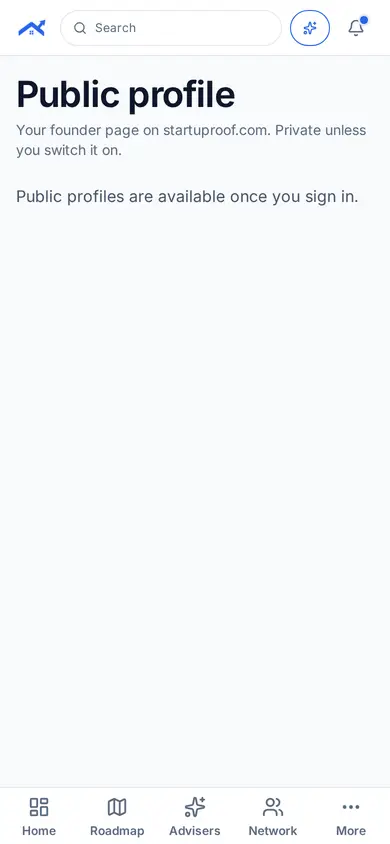
Step 2: Switch it on when ready
Review what is shown, then switch your page on. You can switch it off at any time.
Related guides
Screenshots use demo accounts and fictional sample data; personal details are blurred. Screens may change as we improve Startup Roof.