
Your Founder OS home
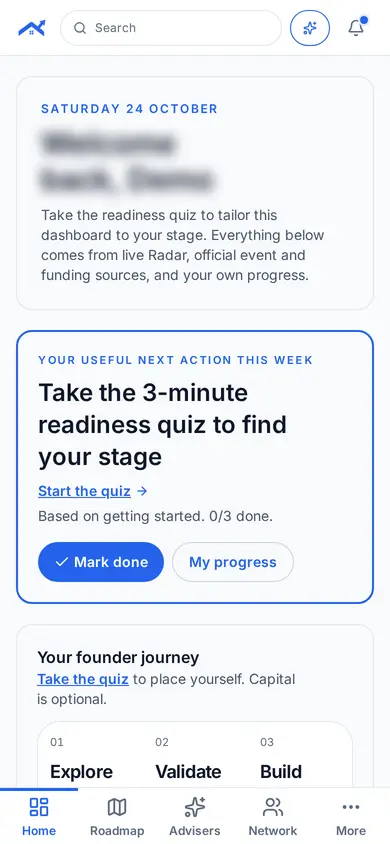
Your home shows the one useful next action for this week and where you are on the founder journey.
Step 1: See your next action
The card at the top shows your useful next action this week. Tap Mark done when you finish it.
Step 2: Follow your founder journey
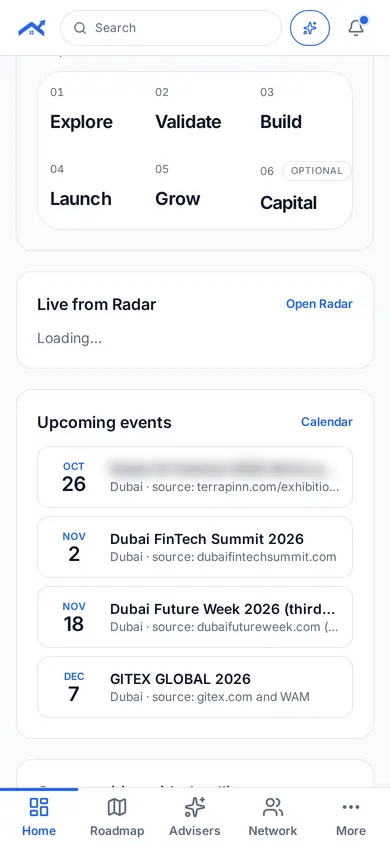
Scroll to see your stage, from Explore to Validate and Build, and live updates from Radar and events.
Step 3: Open any module
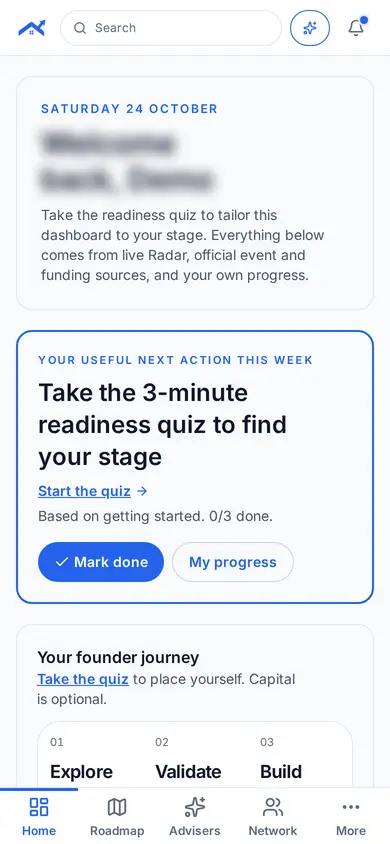
Use the bottom bar for Home, Roadmap, Advisers and Network. Tap More for every other module.
Related guides
Screenshots use demo accounts and fictional sample data; personal details are blurred. Screens may change as we improve Startup Roof.