
Create your free account
Join Startup Roof in a few minutes. Membership is free forever.
Step 1: Open startuproof.com
On your phone or computer, go to startuproof.com. Tap Join free at the top of the page.

Step 2: Fill in the sign-up form
Enter your name, email and a password, tick that you agree to the Terms, and choose whether you want email or WhatsApp updates. Then tap Create account.

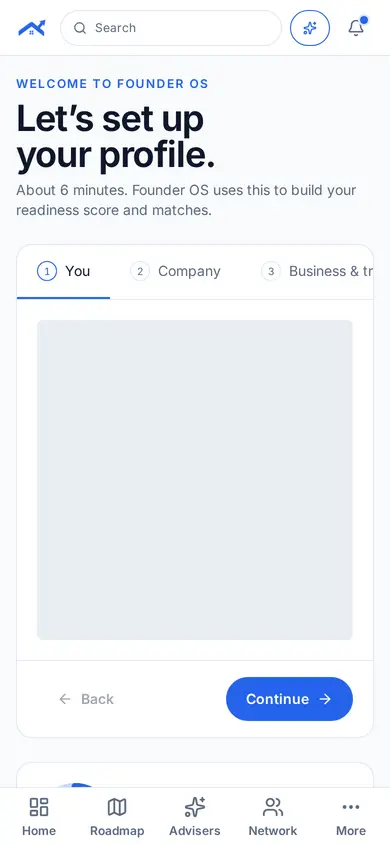
Step 3: Set up your profile
Founder OS asks a few questions about you, your company, traction and fundraising. It takes about six minutes and you can go back at any time.
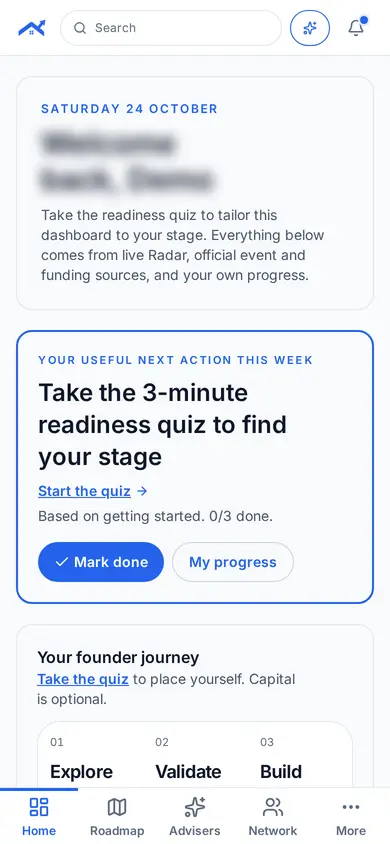
Step 4: Land on your Founder OS home
Your home shows your useful next action this week, your founder journey and live updates.
Tips
- You can join with just an idea: no company or licence needed.
- Every sector is welcome and funding is optional.
Related guides
Screenshots use demo accounts and fictional sample data; personal details are blurred. Screens may change as we improve Startup Roof.