
Sign in and reset your password
Sign in to Founder OS, and what to do if you forget your password.
Step 1: Open the sign-in page
Go to startuproof.com/login, or tap Sign in at the top of the site on a larger screen.
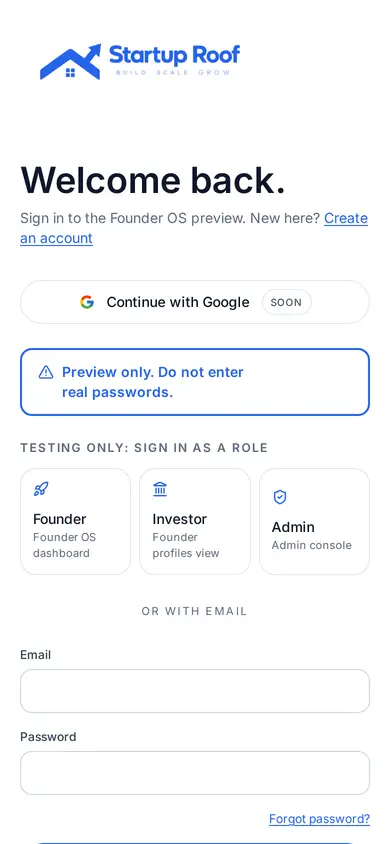
Step 2: Enter your email and password
Use the email you joined with. Tap Sign in to open your Founder OS home.
Step 3: Forgot your password?
Tap Forgot password on the sign-in page, enter your email and follow the link we send you.
Related guides
Screenshots use demo accounts and fictional sample data; personal details are blurred. Screens may change as we improve Startup Roof.